
Schemas
Create schemas and generate fake data automatically.
What are Schemas?
Schemas are data structure definitions that allow you to automatically generate fake data using Faker.
Create a Schema
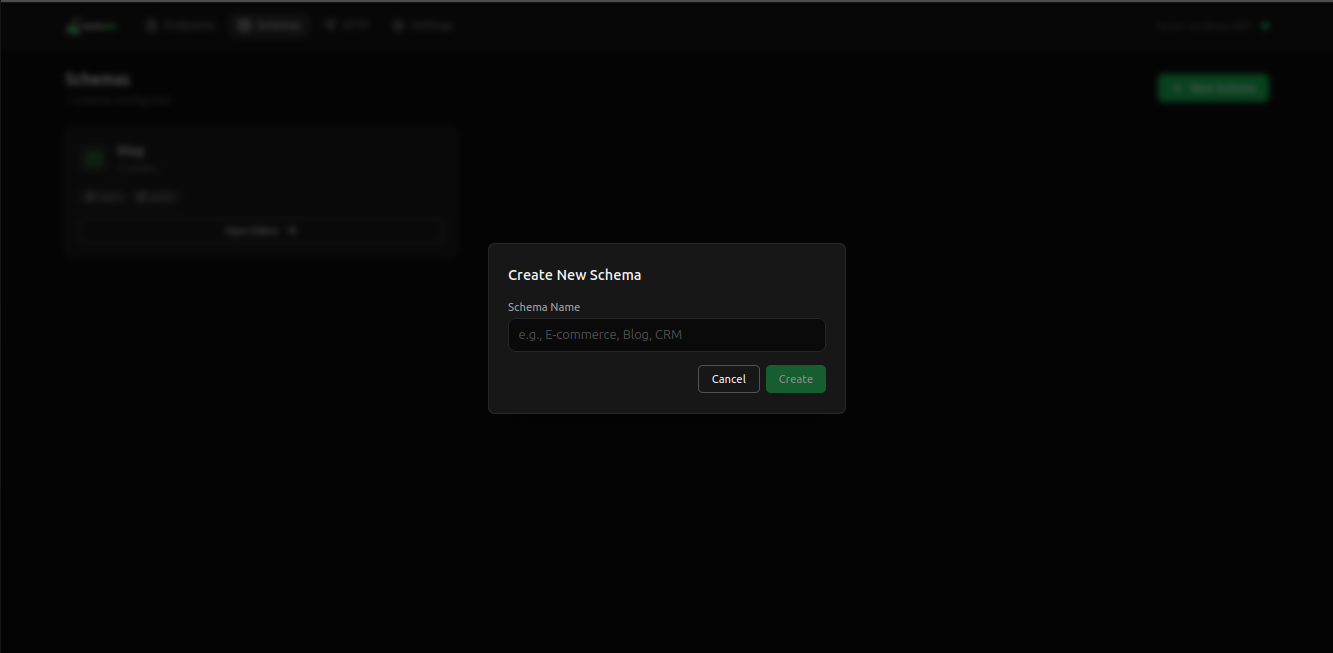
- Access the “Schemas” section in the web interface
- Click “New Schema”
- Define the name and fields
- Save the schema
Faker Fields
You can use various Faker data types:
JSON
{
  "name": "person.fullName",
  "email": "internet.email",
  "age": "number.int",
  "address": "location.streetAddress",
  "phone": "phone.number",
  "avatar": "image.avatar",
  "createdAt": "date.past"
}
Generate Data
After creating a schema, you can generate fake data:
Terminal
GET /api/schema/users?count=10Relationships
You can create relationships between schemas:
- One-to-One
- One-to-Many
- Many-to-Many
Tip
Relationships allow you to create realistic data with associations between entities.