
Quick Start
Create your first mock endpoint in less than 5 minutes.
Start the Server
Run the command below to start Mockario:
Terminal
npx @mockario/mockario startInfo
This command will start:
- Mock server on port 3001
- Web interface on port 5173
- Automatically open browser
Create your First Endpoint
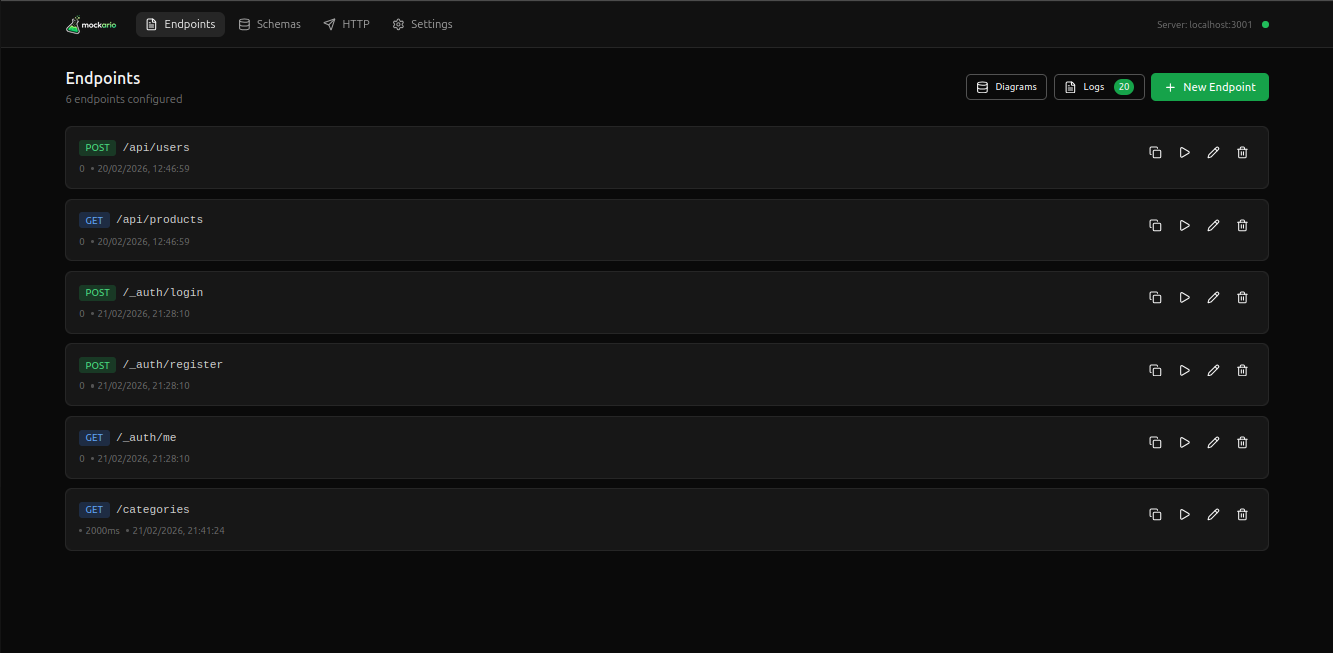
- Access the web interface at http://localhost:5173
- Click the “New Endpoint” button
- Fill in the fields:
- Path: /api/users
- Method: GET
- Response: { "users": [] }
- Click “Save”
Test the Endpoint
Now you can test your endpoint:
Terminal
curl http://localhost:3001/api/usersNext Steps
Explore more features: